Casino inside the app
Choose your casino and play without a browser address bar taking up the stream.
Play your casino, show your webcam and Twitch chat, collect bonuses and run the full opening—all inside one broadcast-ready Windows app.
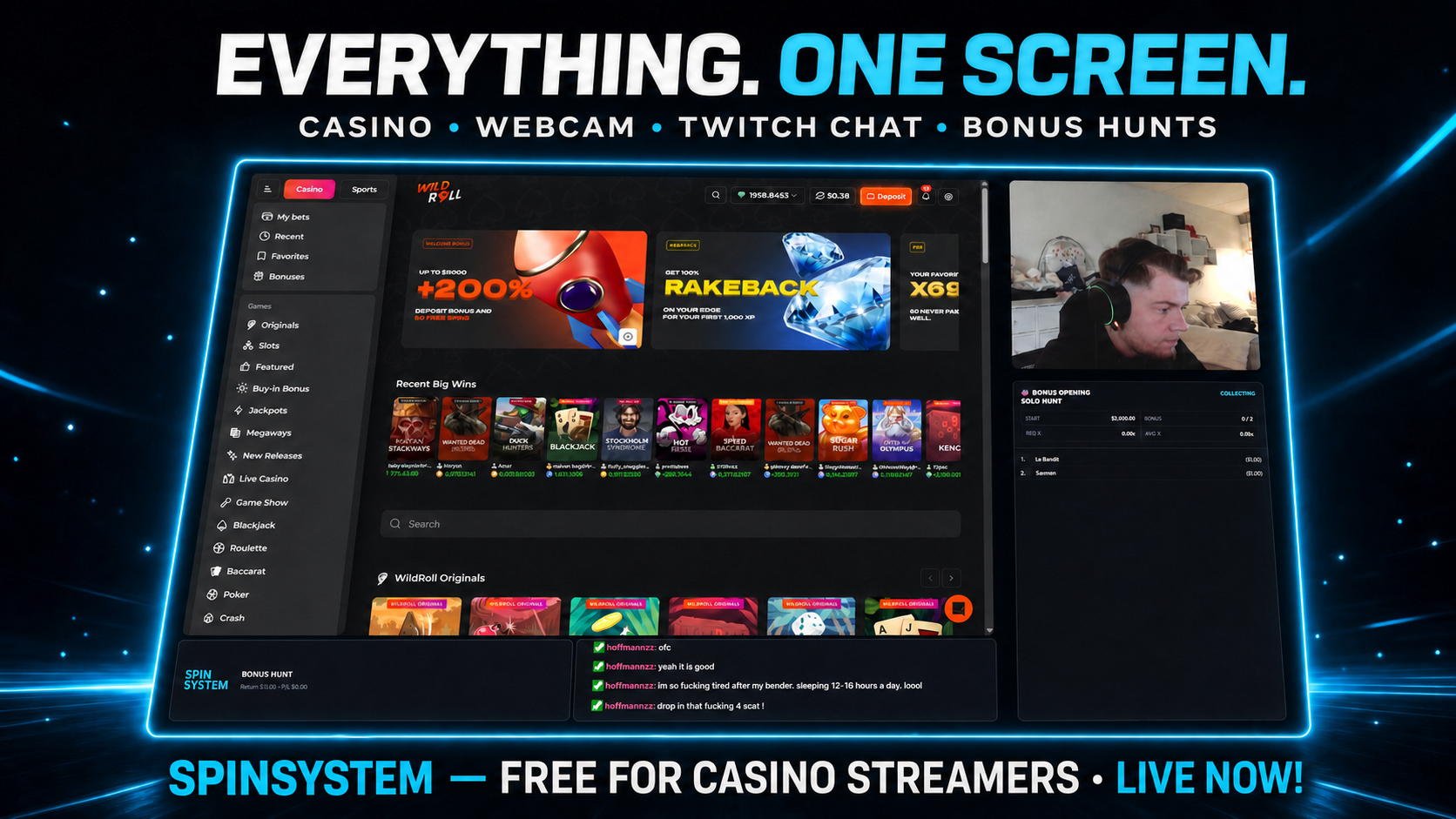
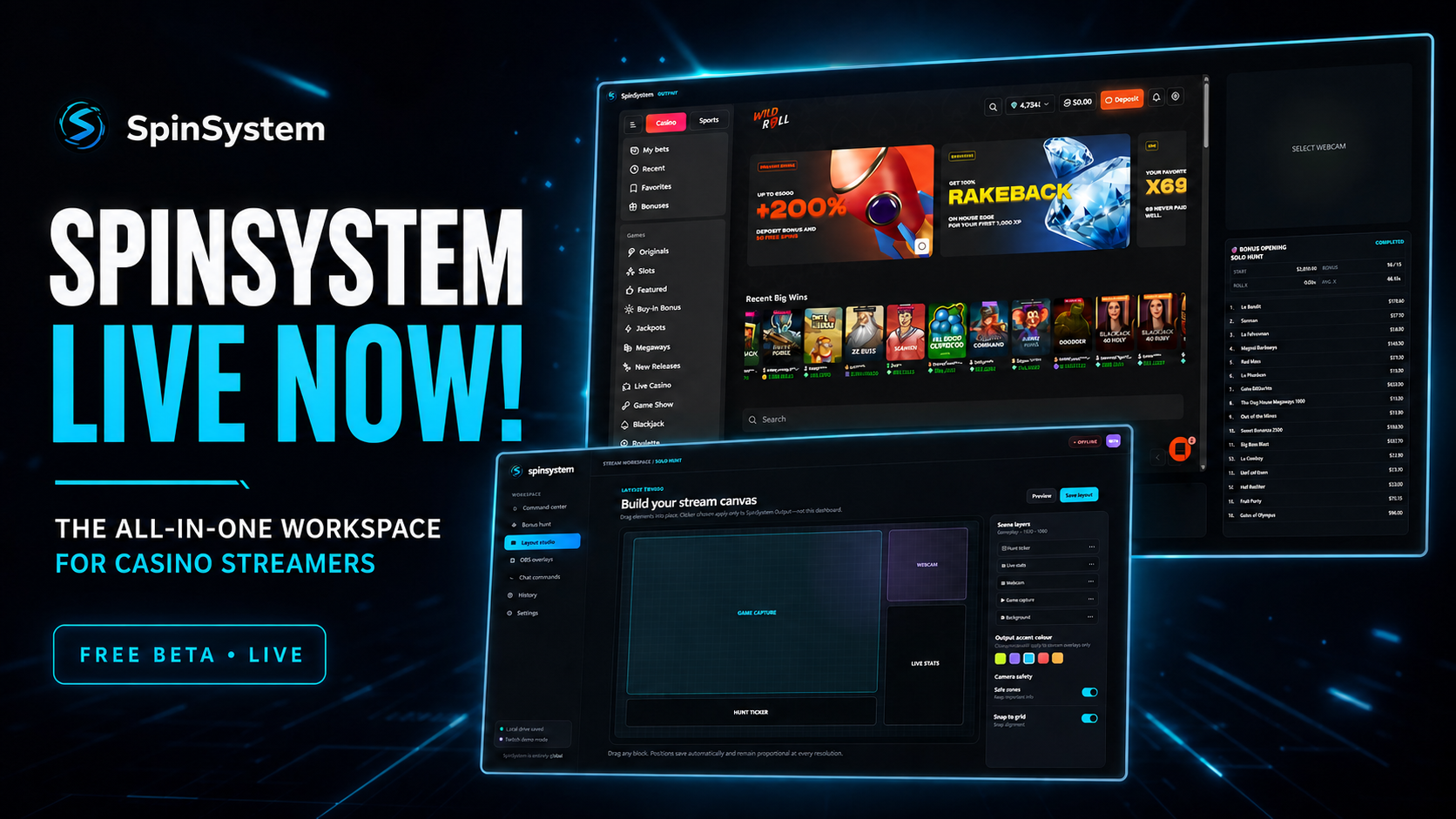
Capture the SpinSystem window in your streaming software and everything your viewers need is already arranged.
Choose your casino and play without a browser address bar taking up the stream.
Select your camera and show the real Twitch chat, including badges and emotes.
Collect slots, open the hunt and paste each result. SpinSystem handles progress and totals.
Your Twitch account keeps your hunts, layout and desktop settings separate from every other streamer.
Create your private SpinSystem workspace with one secure Twitch login.
Download the Windows beta from your dashboard and pair the app to your account.
Choose the casino, webcam, Twitch channel, sound level and stream layout.
Add one window capture in OBS or your streaming software and start your hunt.
Join the free beta, install the desktop app and run your casino stream from one screen.
Join with Twitch →